Mobile payments are already how millions of customers pay every day: Bankily, Masrvi and Sedad in Mauritania, Wave and Orange Money across West Africa, M-Pesa in East Africa, Apple Pay and Google Pay in Europe, the Gulf and North America. Adding them to your website or app can lift sales, as long as you check a few things first.
Contents
Why mobile payments change the game
In many African markets, a large share of people have no bank card but do have a mobile wallet. GSMA research on mobile money shows that Sub-Saharan Africa holds most of the world’s mobile money accounts, and usage keeps growing in North Africa and the Middle East. Accepting cards only means turning away part of your customers.
For customers, paying by phone is fast, familiar and reassuring. For you, it means instant collection, with no cash handling and no courier collecting money at the door.
5 things to check before integrating
1. The wallets your customers actually use
List the providers people use in your country and in the countries you sell to. A site aimed at Mauritania and Senegal needs different operators from a shop selling to the UK.
2. An official API
Some operators offer a documented merchant API; others go through an aggregator. Without an API, payment confirmation stays manual, which limits automation.
3. Automatic order confirmation
The site should receive the payment confirmation and validate the order with no human step, then send the customer a receipt by SMS, email or WhatsApp.
4. Fees and payout times
Compare commissions, transaction limits and how long it takes for money to reach your merchant account.
5. Reconciliation
Each payment must be linked to an order and an invoice, so your books stay accurate without retyping.
Mobile payments vs cash on delivery
Cash on delivery is still common, but it is expensive: returns, cash to manage, couriers carrying money. Mobile payments reduce those risks. Many of our clients offer both, nudging customers toward paying online with a small discount or priority delivery.
Selling internationally
If you sell to the diaspora or to customers abroad, combine local wallets with cards and international options. A customer in Paris or Toronto ordering for family in Nouakchott or Dakar should be able to pay by card, while the local customer will prefer their phone. Show prices in the right currency, display delivery fees on the product page, and keep checkout short: every extra step costs sales.
A simple launch checklist
Before your mobile payments go live, open a merchant account with each provider and keep the documents ready: company registration, ID, bank details. Run ten test orders with real small amounts, including one refund and one cancelled order. Check the receipt the customer gets, the notification your team gets, and the line that appears in your accounting. Finally, train whoever answers customer calls so they can confirm a payment in seconds. Most launch problems come from skipping one of these simple steps.
Mistakes to avoid
- Posting a phone number to “send the money to” with no automatic confirmation;
- Forgetting refunds and cancellations;
- Ignoring small screens and slow connections;
- Not testing the full flow with real small amounts before launch.
How we integrate them at MauriDigital
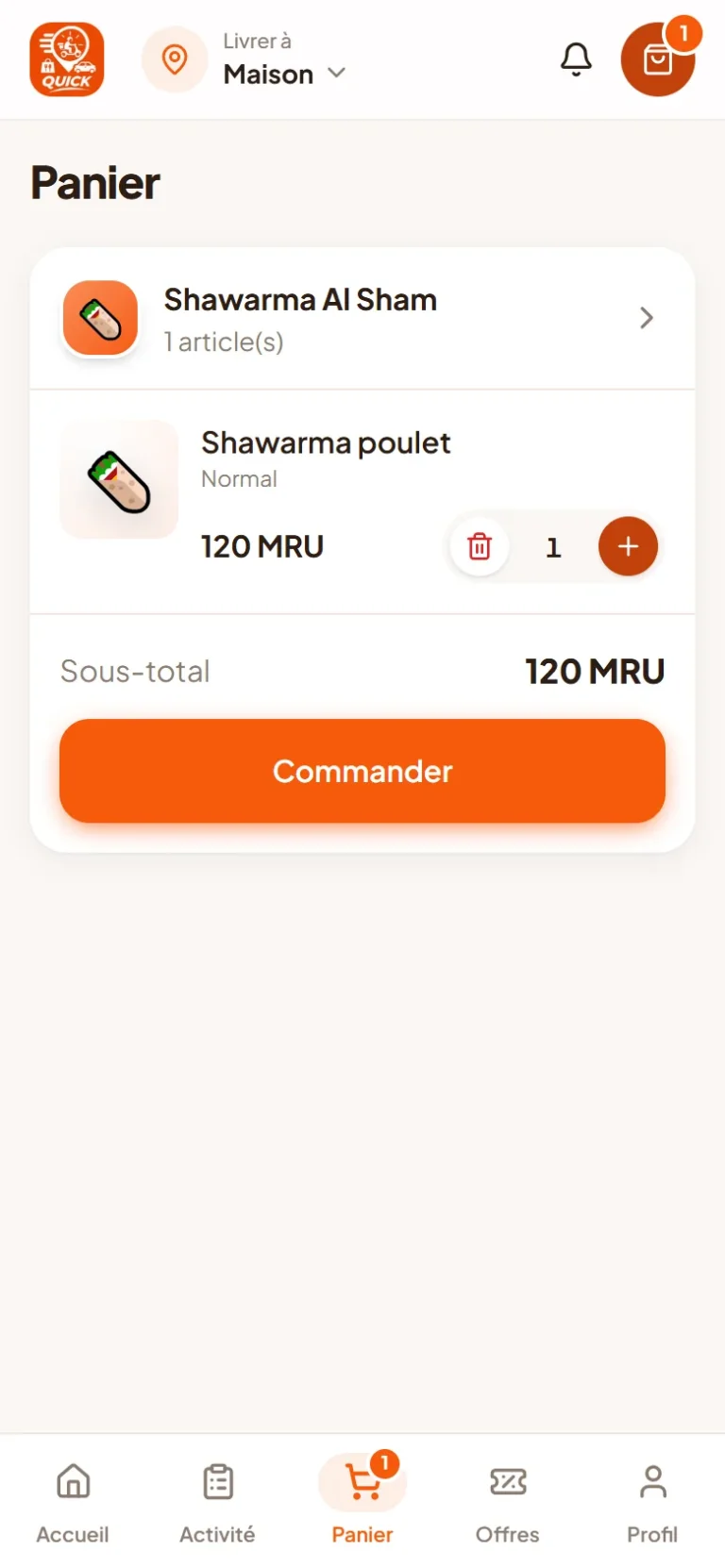
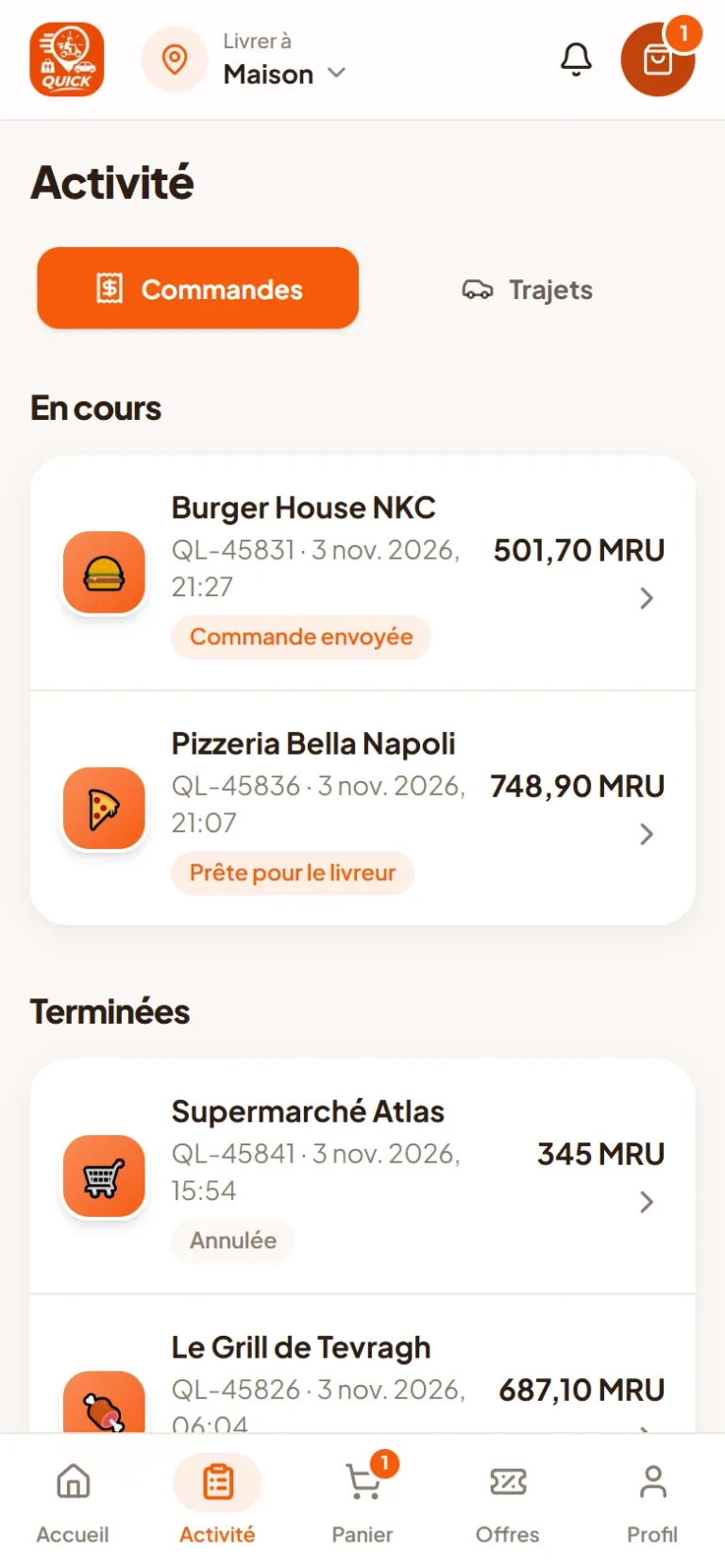
We add mobile payments to online stores, custom apps and software and our ready-made products such as Quick, our delivery platform. Our POS software Yusrr also handles mobile wallets at the counter. If you sell in a physical shop, read our article on the offline POS too.
Frequently asked questions
Can one site accept several wallets?
Yes. The customer picks a payment method at checkout.
Are mobile payments secure?
Yes, when the integration uses the operator’s official API or an approved aggregator, with server-side confirmation.
How long does integration take?
Usually one to three weeks, depending on the operator and the steps to open a merchant account.
Let’s talk about your project
Want to accept mobile payments on your website or app? Contact MauriDigital for a free review of your checkout, wherever your customers are.
Offline POS: why it changes everything for a shop
A dropped connection should never stop a sale. What a merchant should demand from their till software.

Showcase site or online shop: which one to start with?
Two very different projects, two different budgets. How to tell which one fits your business today.
Tasks to automate: five you can start right now
Follow-ups, reports, double data entry: real time savings without changing all your tools.
Let’s turn your ideas into digital solutions.
Describe your need in a few lines. We come back to you with precise questions and a first direction.