Which tasks to automate first in your business? Whether you run an SME in Nouakchott, a shop in Dakar, a clinic in Dubai or a start-up in London, the same repetitive jobs eat hours every week. Here are five concrete examples that are simple to set up and save time from the very first week.
Contents
Why start with small tasks?
Automation is not just for large companies. The best tasks to automate at the start are often the simplest: things that repeat every day, always follow the same rules and need no human judgment. Research from McKinsey on automation suggests a large share of office activities can already be automated with today’s technology.
Starting small lets you measure the gain quickly, reassure your team and fund the next projects with the time you save.
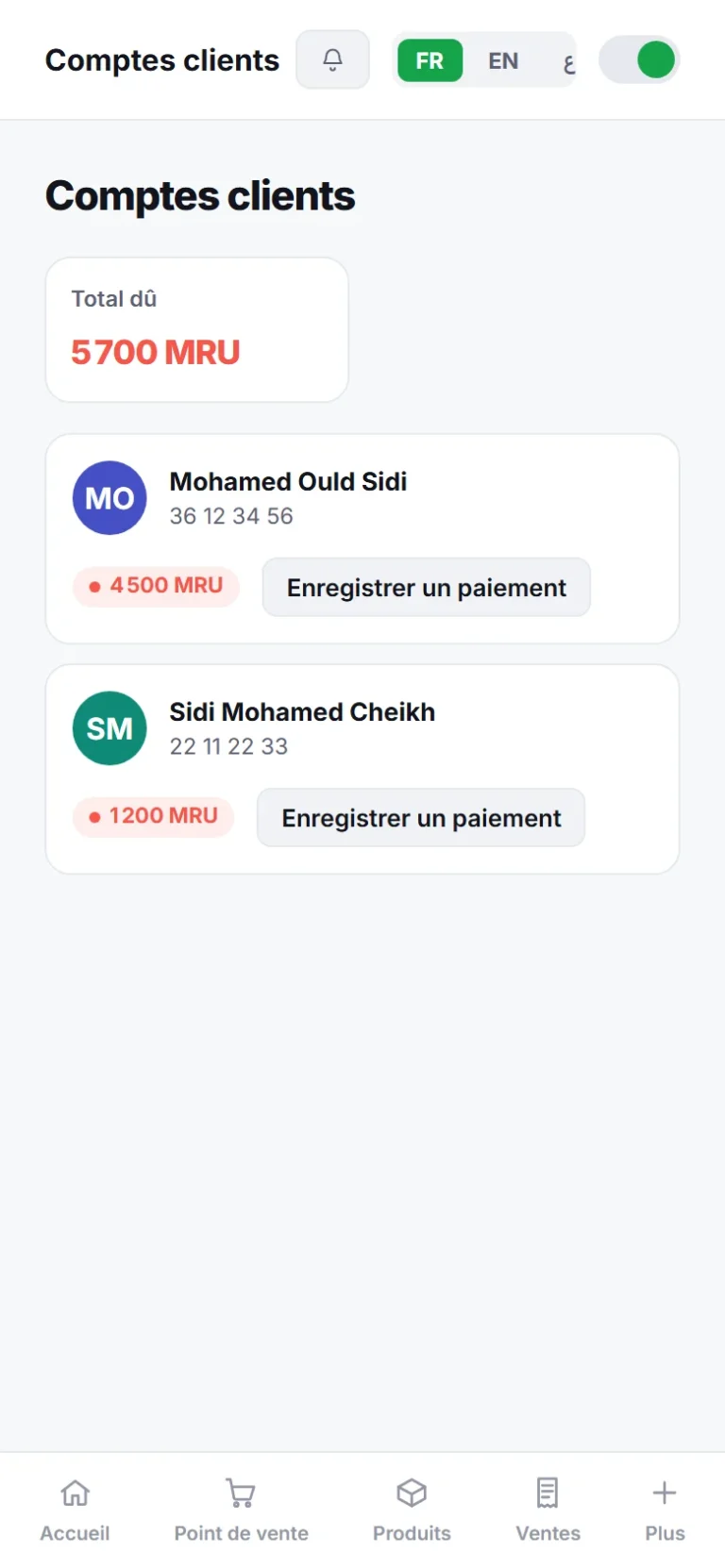
5 tasks to automate right now
1. Unpaid invoice reminders
An automatic SMS, email or WhatsApp reminder a few days before and after the due date. No more forgotten follow-ups, and cash flow improves without someone spending the day on the phone.
2. Appointment confirmations and reminders
Clinics, salons, garages, consultancies: an automatic message the day before cuts no-shows and frees up the front desk.
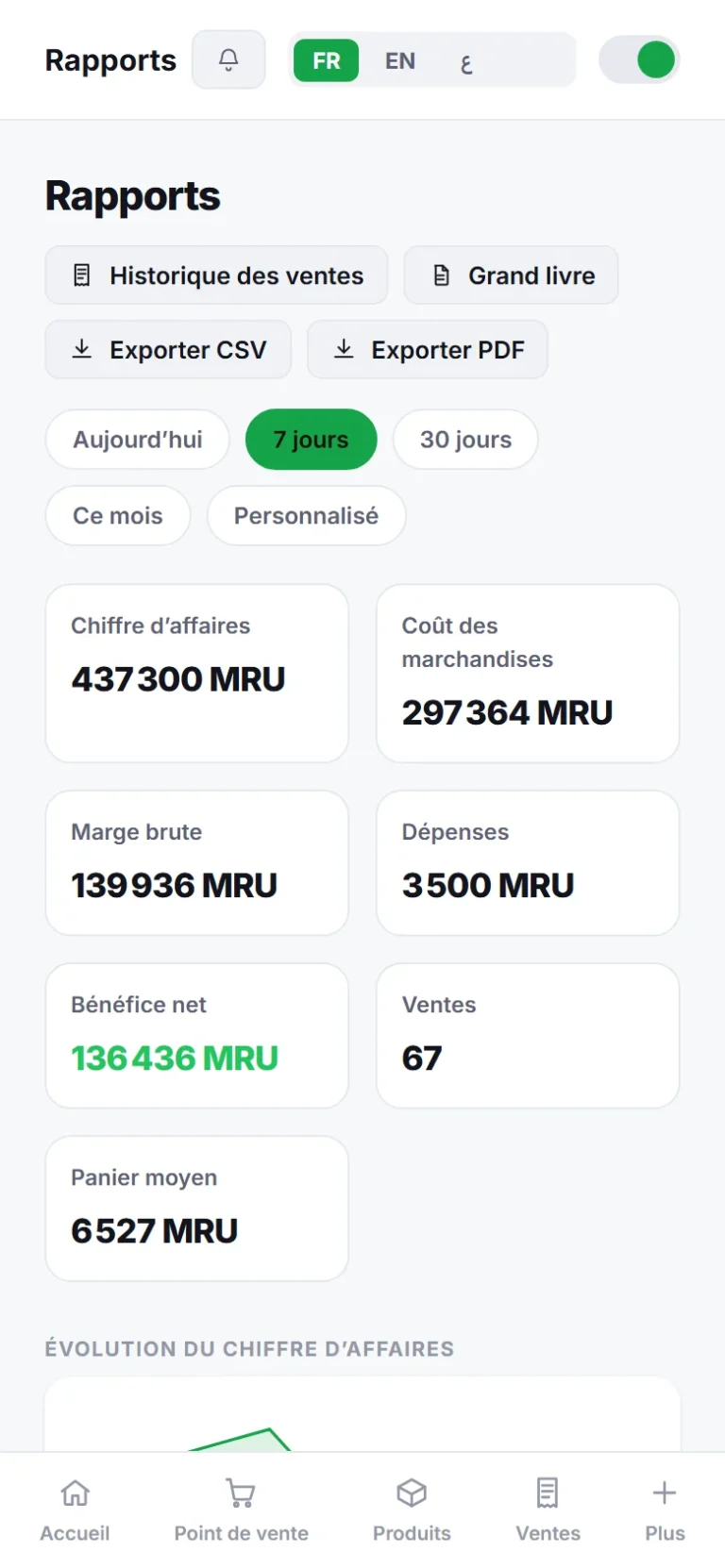
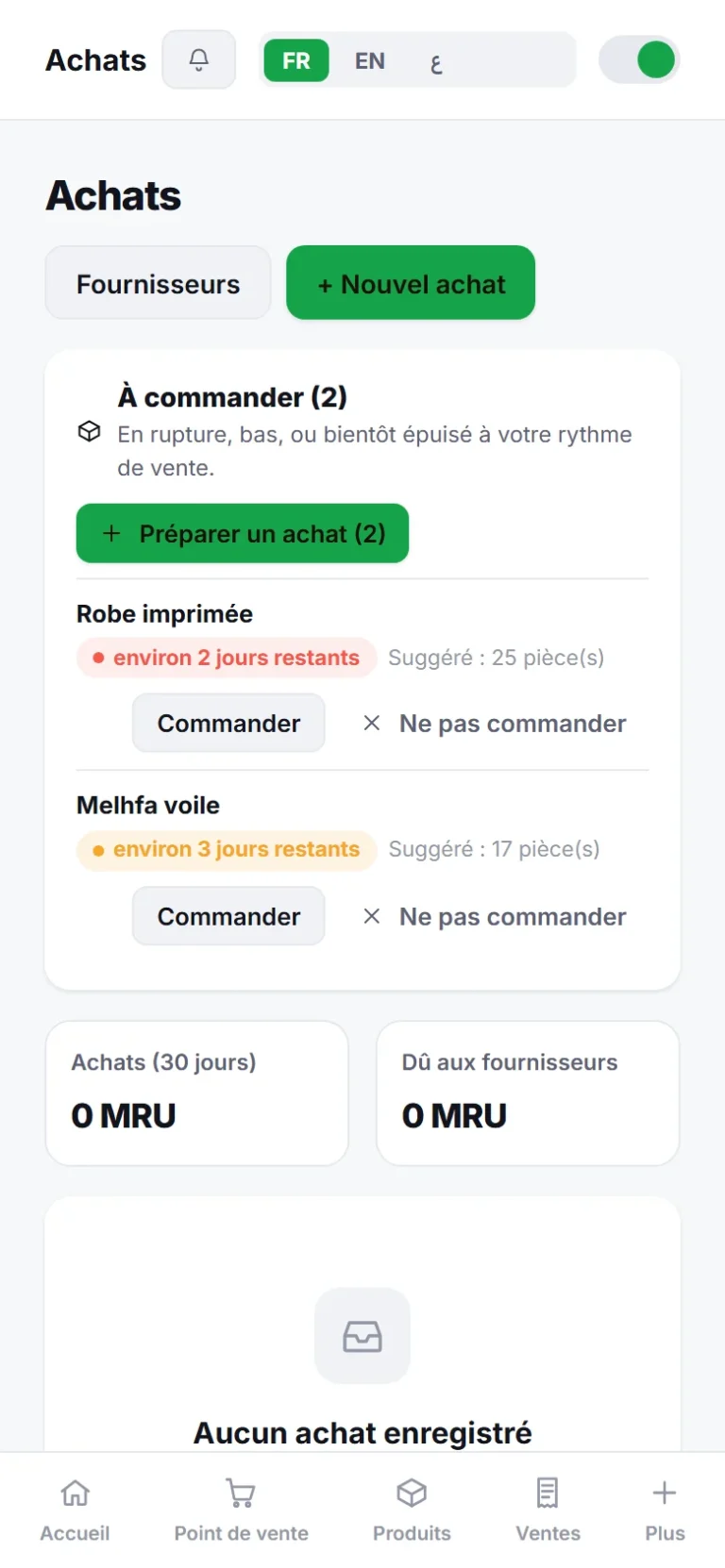
3. Low-stock alerts
The software warns you when an item drops below a threshold, and can even draft the supplier order.
4. Daily reports
Today’s sales, payments received, best sellers: a summary sent to your phone every evening, no spreadsheet needed.
5. Answers to common questions
Opening hours, prices, delivery times: an automatic assistant on WhatsApp or your website answers instantly and passes complex cases to a person.
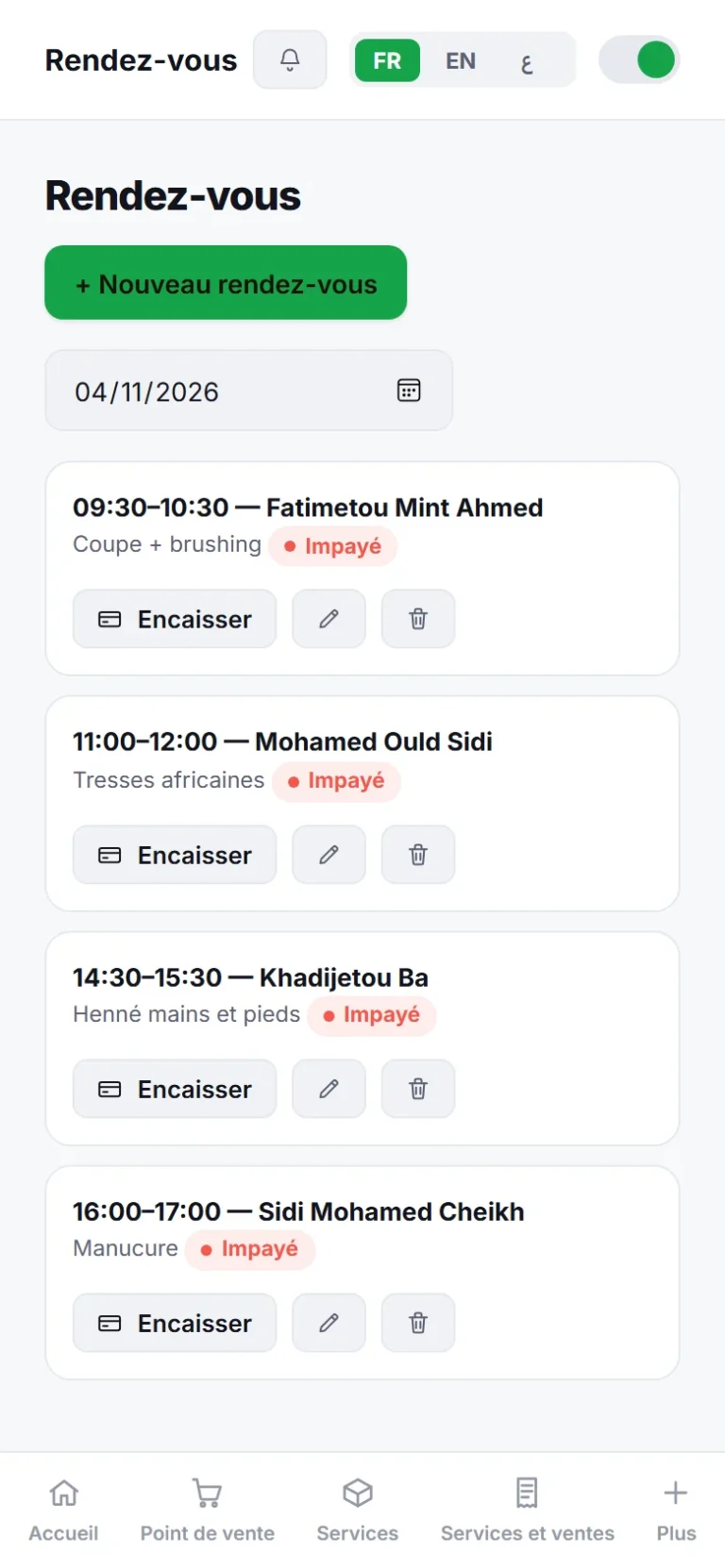
How to pick your tasks to automate
For one week, note everything your team does more than three times a day. For each task, ask three questions: does it always follow the same rules? Is the information already in a piece of software? Is a mistake expensive? Anything that gets three yeses belongs at the top of your list of tasks to automate.
A real example
An electrical supplies shop with two salespeople spent an hour every evening copying sales into a spreadsheet and calling late payers. After listing its tasks to automate, it connected reports and reminders to its POS software. Now the manager gets a WhatsApp summary, reminders go out on their own, and the hour saved each evening goes into advising customers.
What not to automate
Not every job is one of the tasks to automate: some need judgment or empathy, such as an unhappy customer, a negotiation or a hire. Automation can prepare the ground (summarise, sort, alert), but the decision should stay human. Automating a badly designed process only speeds up mistakes, so clarify the steps first.
What you can expect
- Several hours saved per week and per employee on repetitive work;
- Fewer errors and missed follow-ups;
- Healthier cash flow thanks to regular reminders;
- Better-served customers, with instant answers;
- Faster decisions, based on up-to-date numbers.
How MauriDigital helps
We help businesses identify their first automations and put them in place through our process automation service. Our Yusrr software already includes stock alerts, reports and reminders, and we build custom software when needs are specific. You will find our other tools on the Solutions page.
Frequently asked questions
Do I need a big budget to automate?
No. First automations often use tools you already have, with a limited setup cost.
How soon will I see results?
The gains are usually visible within the first few weeks.
Will my staff lose their jobs?
The goal is to take repetitive work off their plate so they can focus on customers and sales.
Let’s talk about your processes
Want to know which tasks to automate first? Contact MauriDigital for a free process review, remotely or on site, wherever you are based.
Offline POS: why it changes everything for a shop
A dropped connection should never stop a sale. What a merchant should demand from their till software.

Showcase site or online shop: which one to start with?
Two very different projects, two different budgets. How to tell which one fits your business today.
Mobile payments on your website: what to check
Bankily, Masrvi, Sedad… your customers already pay with their phones. What to prepare before adding it to your site.
Let’s turn your ideas into digital solutions.
Describe your need in a few lines. We come back to you with precise questions and a first direction.